
Help centre 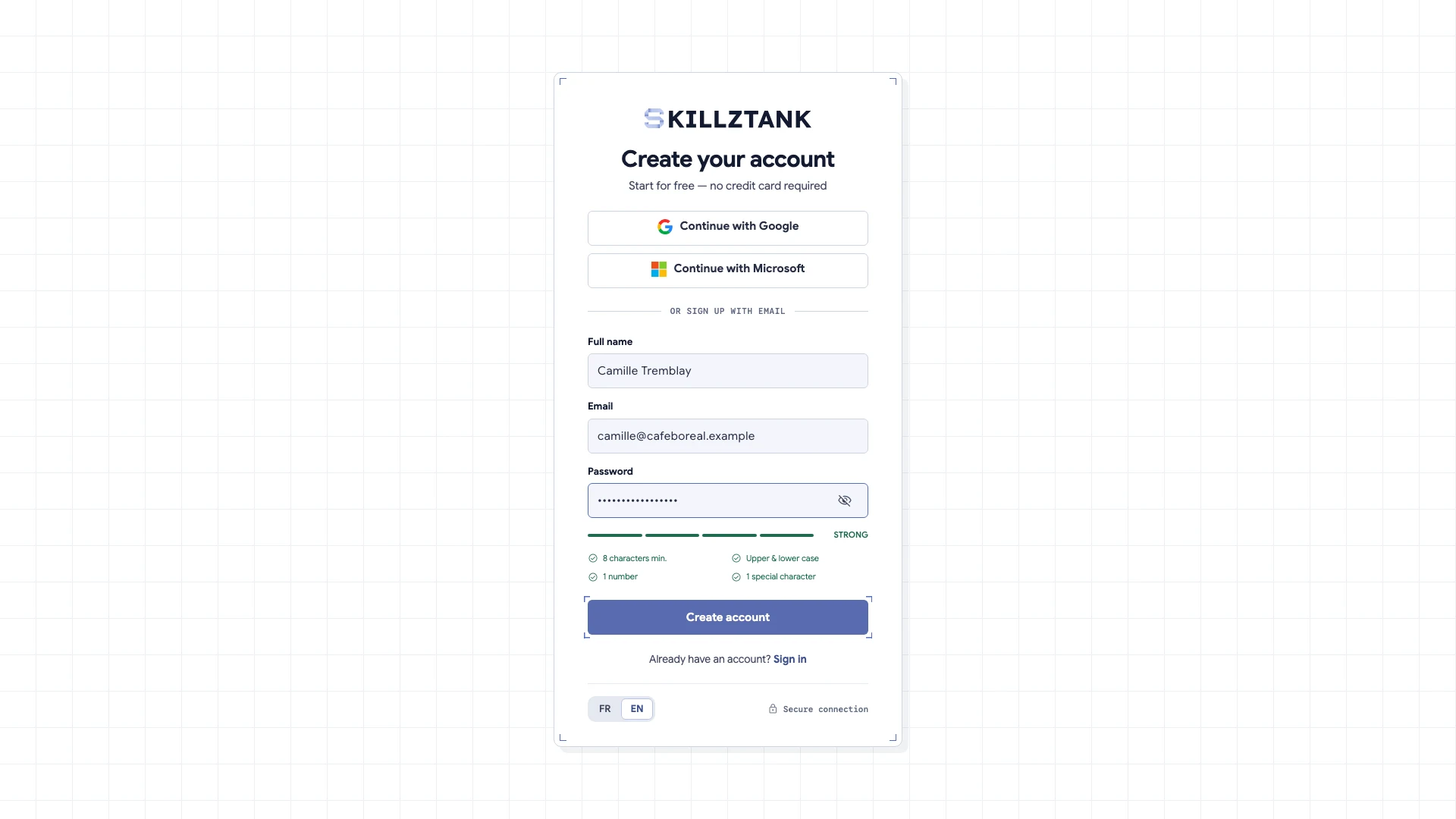
Skillztank guides
Short guides, one task at a time: a video to see how it's done, then the written steps.
Get started 03
Create your workspace and your first knowledge page Sign up and name your workspace: it is ready in a few seconds. Then create your first knowledge page.
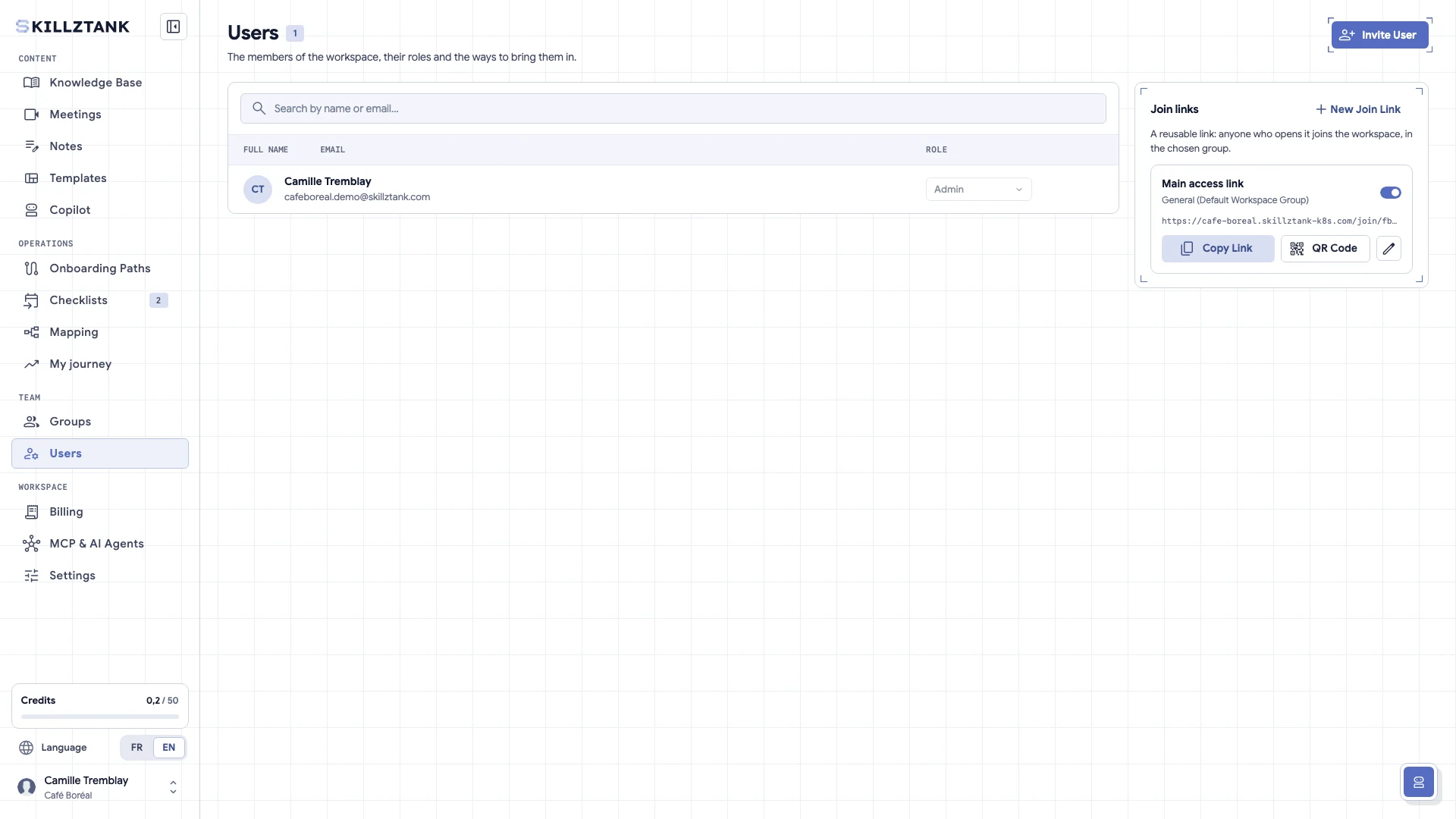
Invite your team or your learners Send the invitations, choose each person's role and give access to the right content.
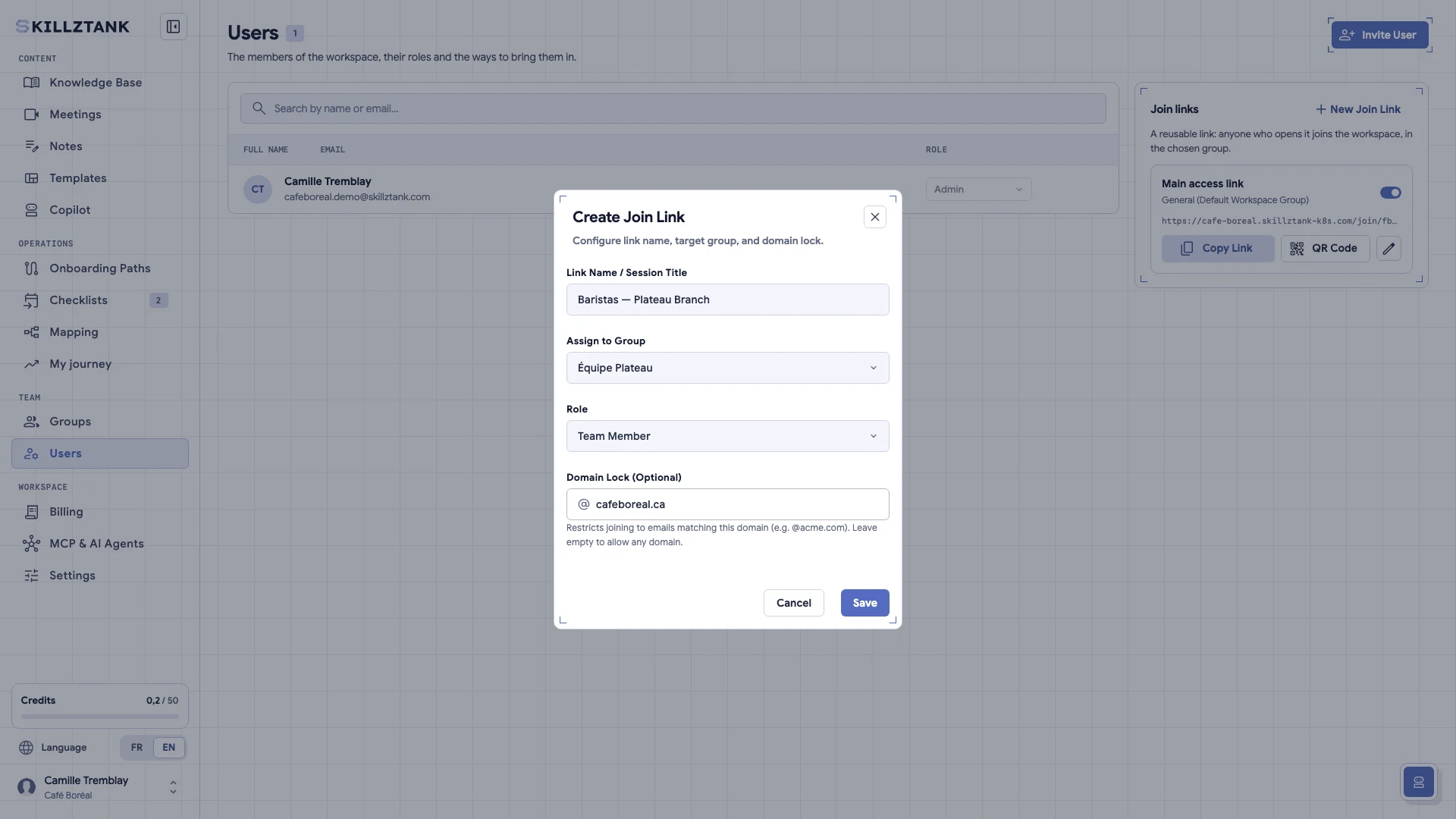
Create a reusable join link Onboard an entire branch or cohort without typing every email address: one link places each person into the right group with the right role.
Create and import 04
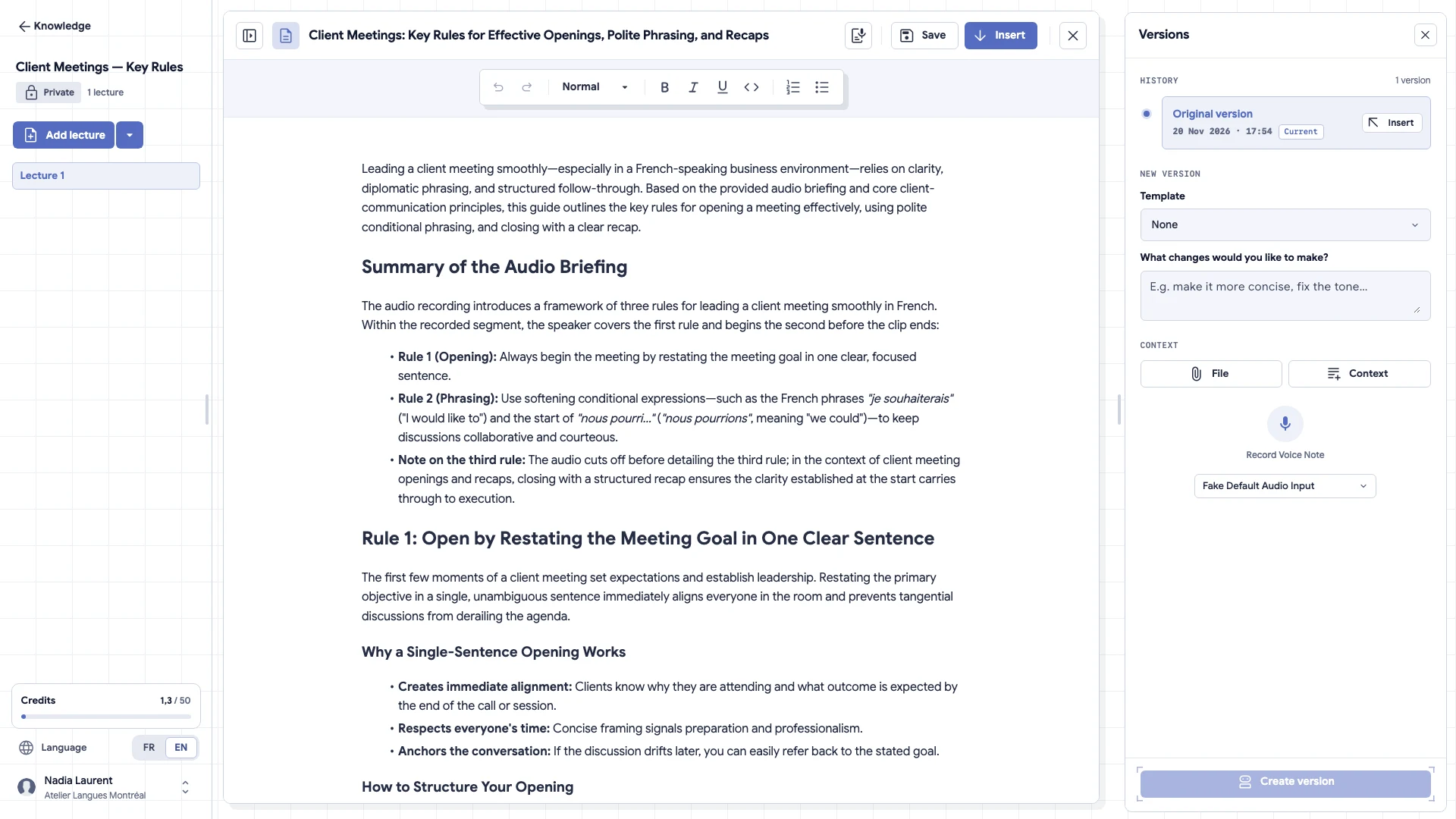
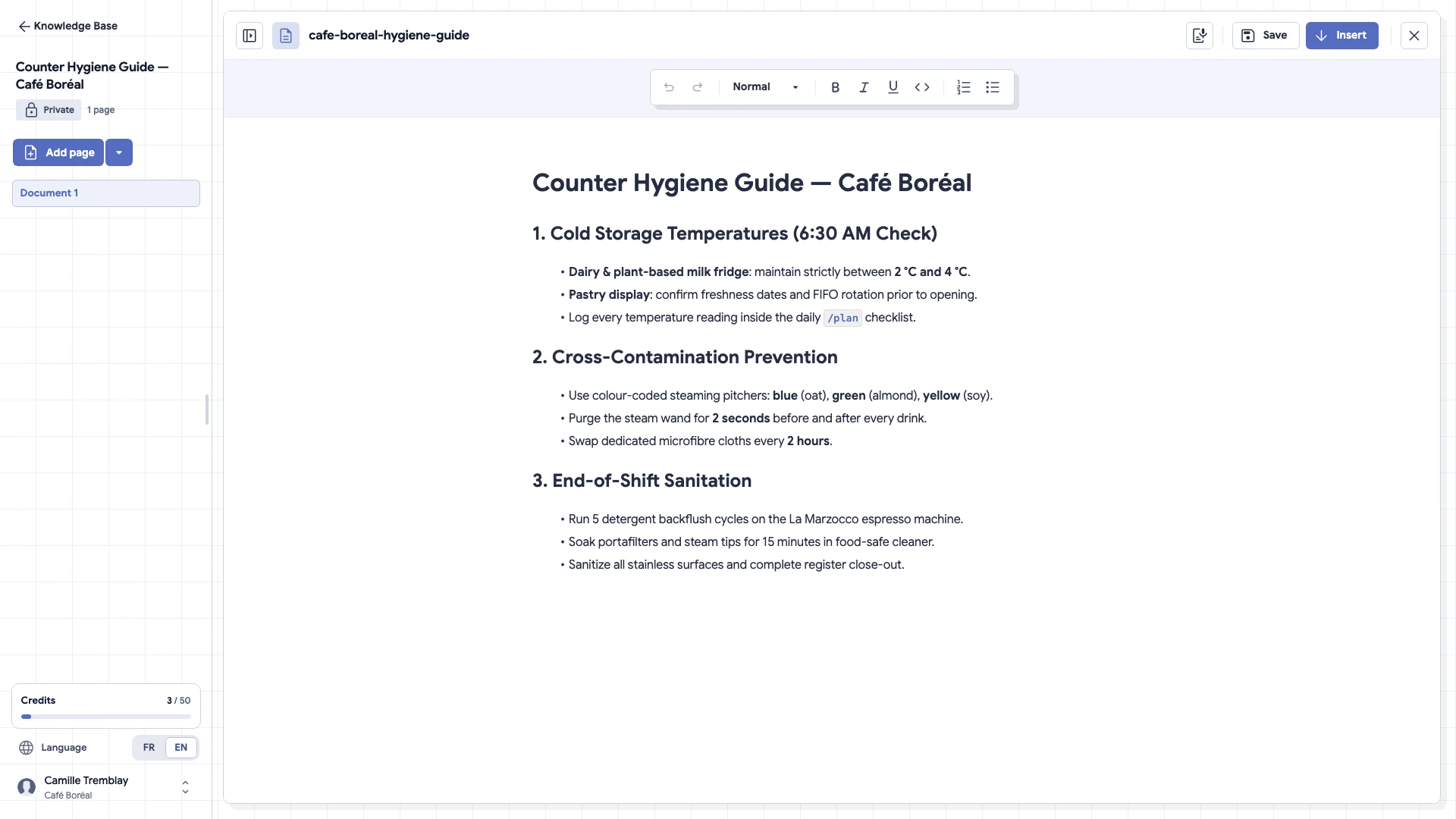
Create knowledge with your voice Talk as you would to a colleague: the AI turns what you say into clear sections, which you review before publishing.
Import an existing document Turn legacy PDFs, Word files or existing notes into clean, structured knowledge pages that are easy to search and keep current.
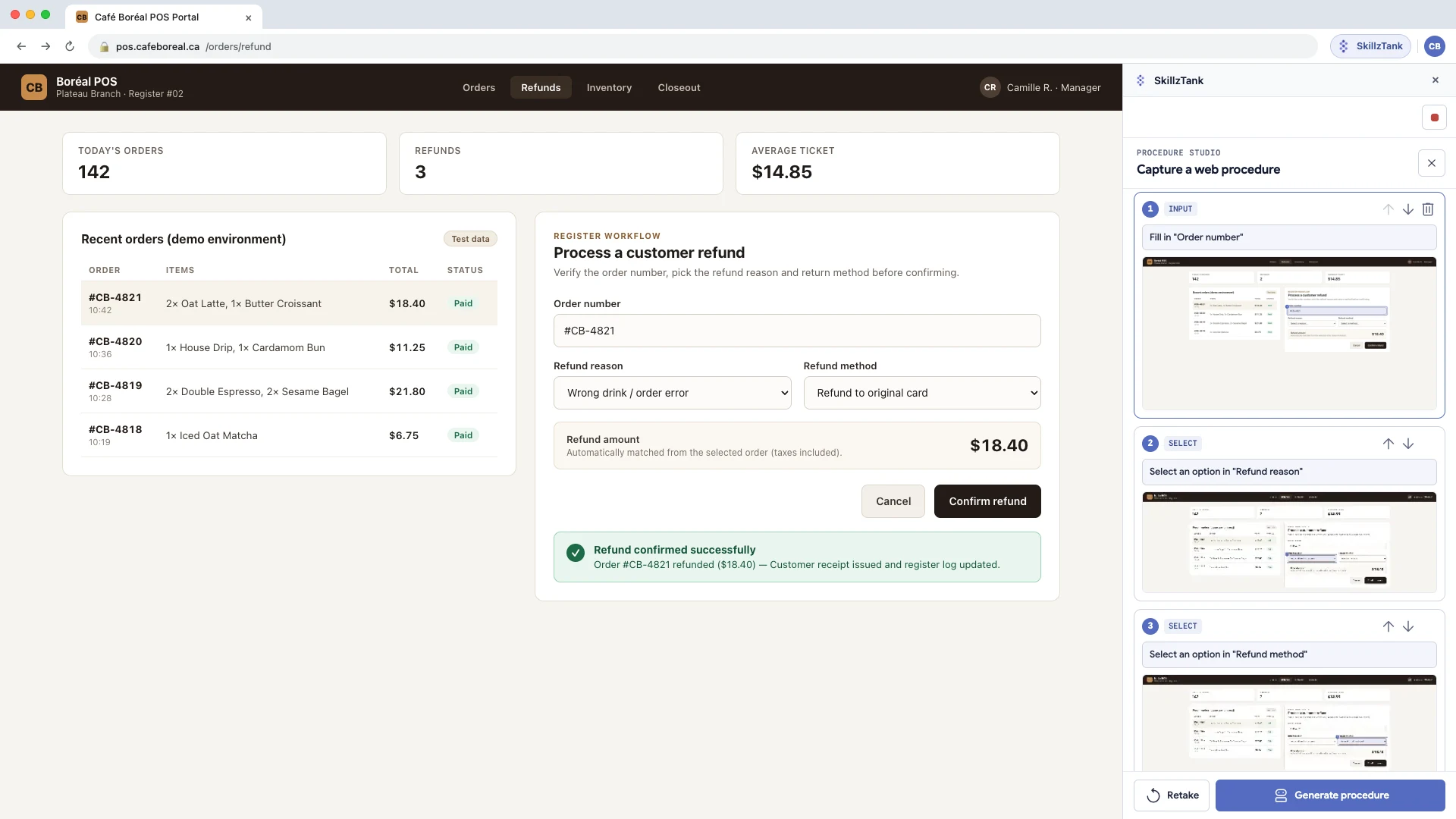
Record a procedure in Chrome (Show & Tell) Do the task once in your software: the Chrome extension turns it into an illustrated, step-by-step procedure.
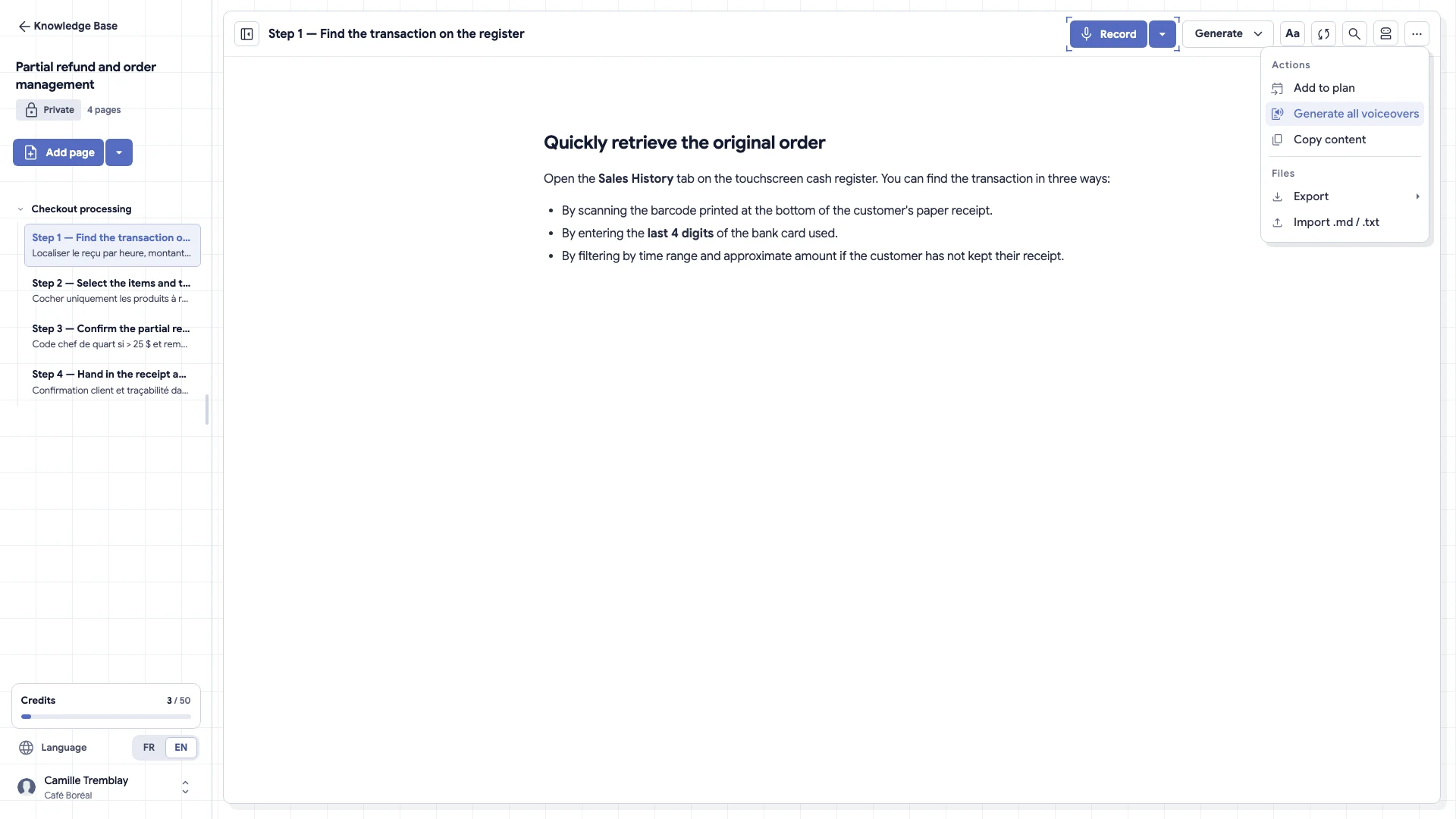
Translate in one click and add a voice-over Take a knowledge page from French to English (or back), then generate a narration for those who prefer to listen.
Guide and schedule 03
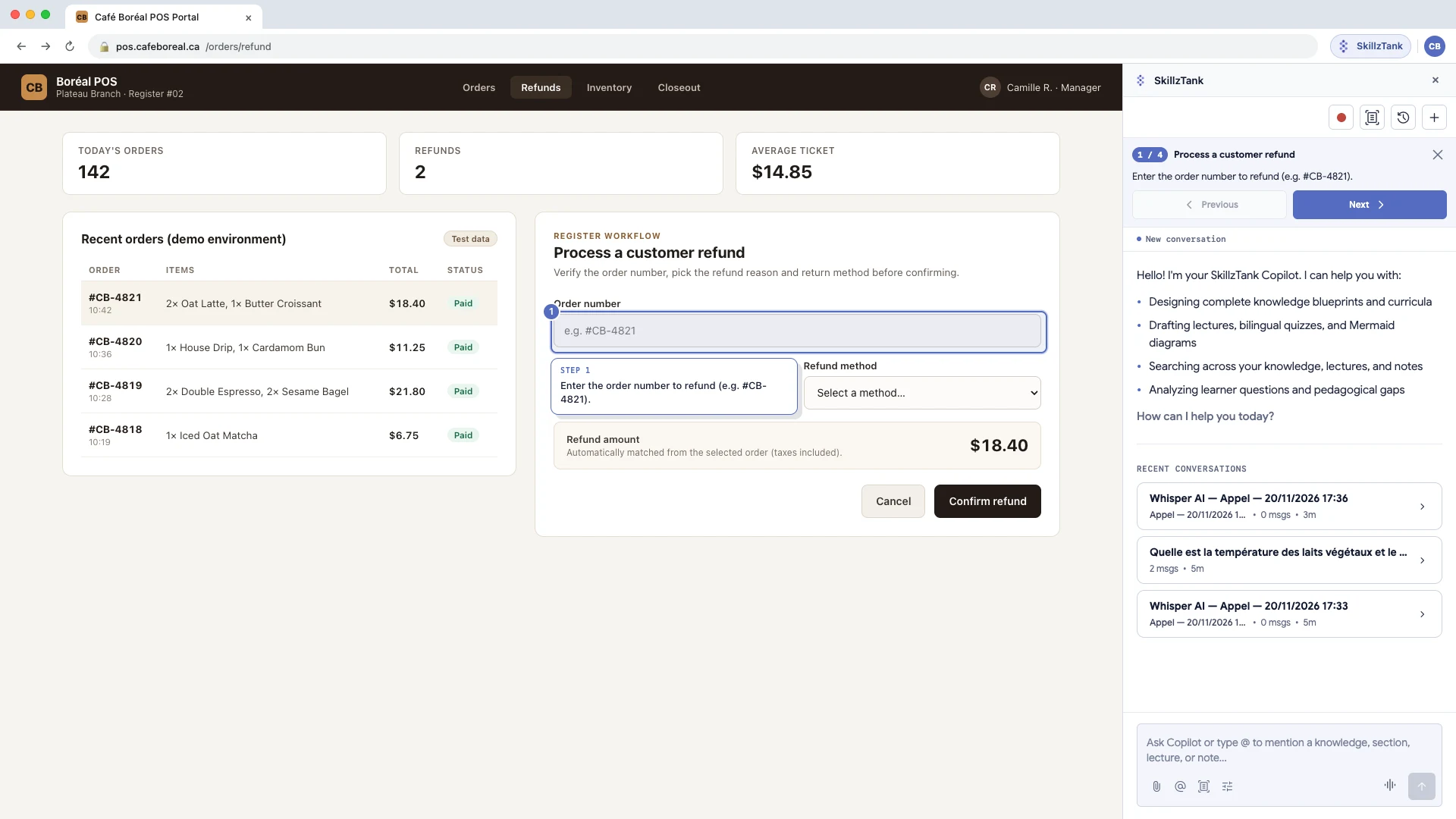
Follow a procedure with Chrome GPS Walk staff click by click right on top of your CRM, POS or ERP without switching back and forth between browser tabs.
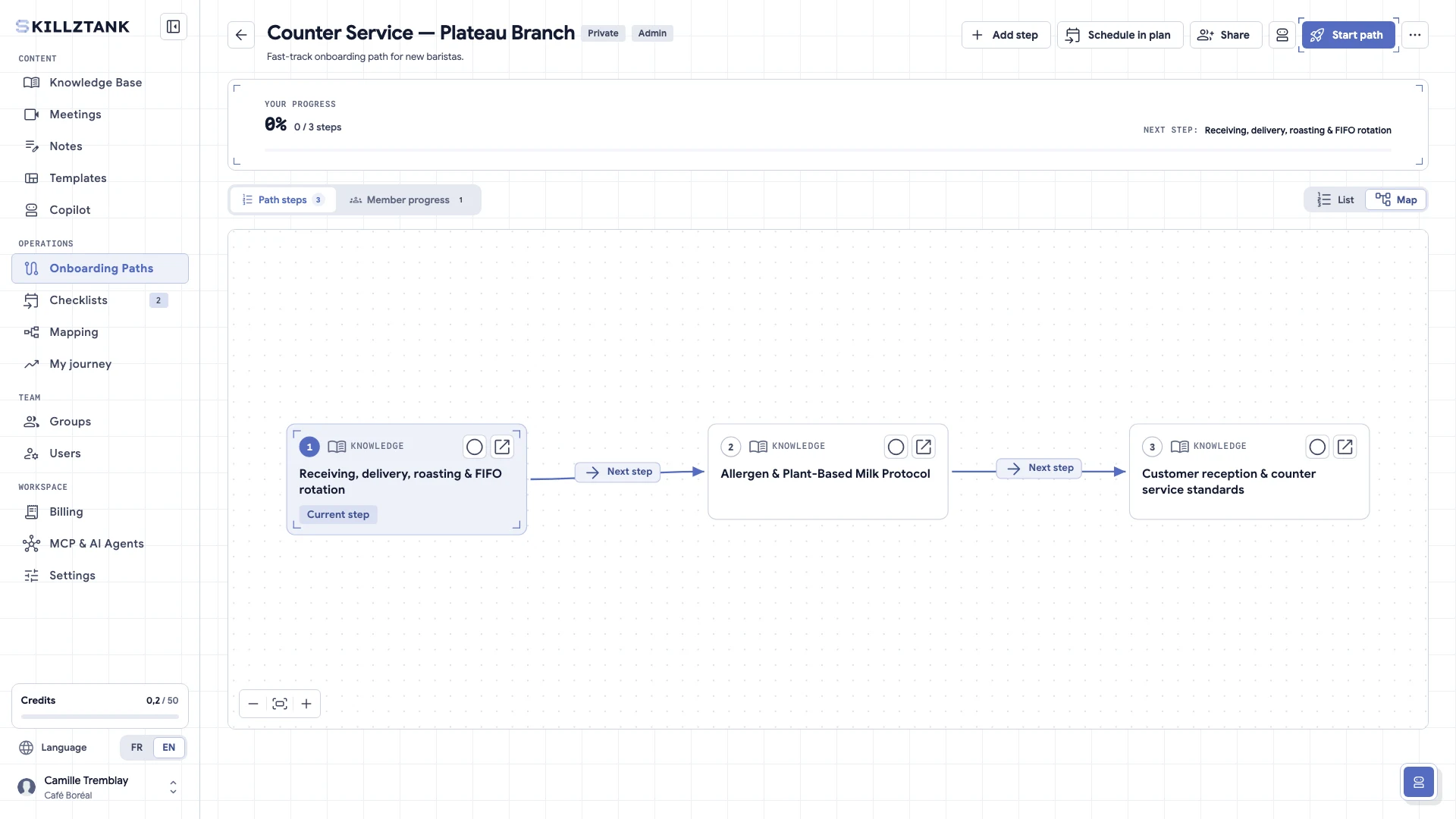
Build a path with prerequisites and quizzes Put your knowledge pages in order, add prerequisites and a validation quiz, then assign the path.
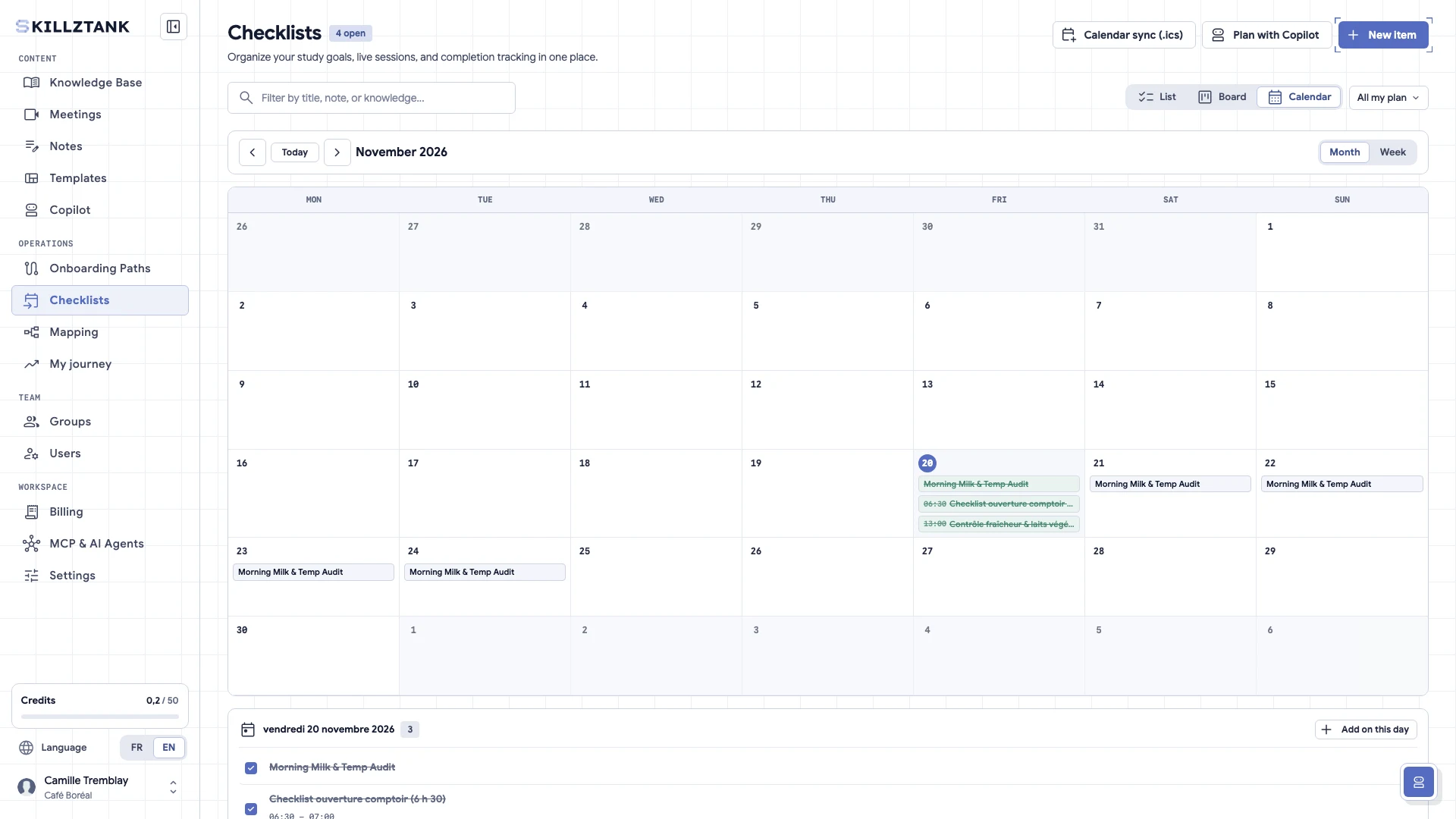
Schedule a recurring checklist in /plan Opening, closing, audit: create the checklist once, choose how often it repeats and follow every run.
Video calls and AI 02
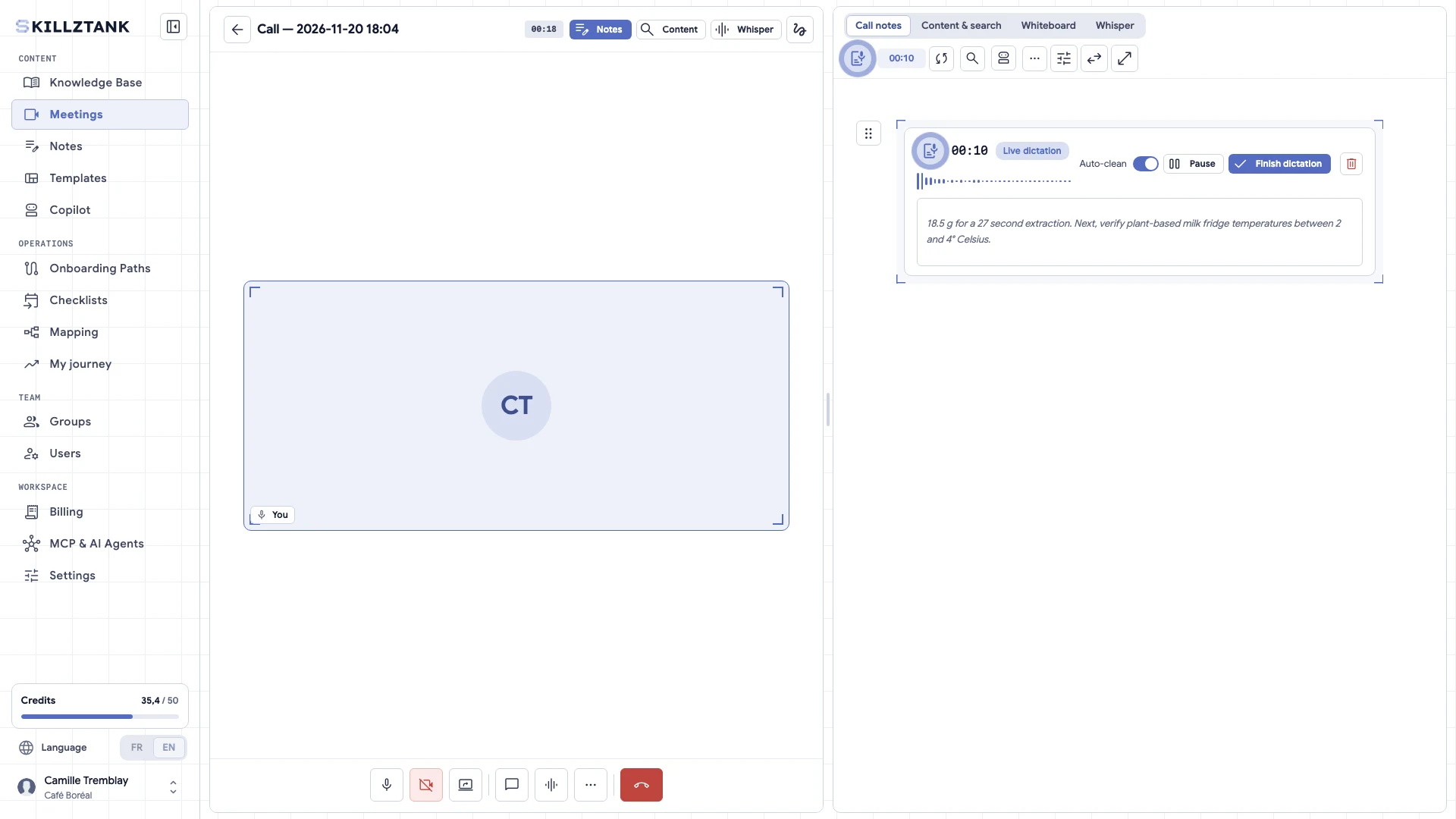
Start a video call with the AI Scribe Hold your meeting or your session in your workspace: the AI Scribe writes the summary, which you file in a knowledge page.
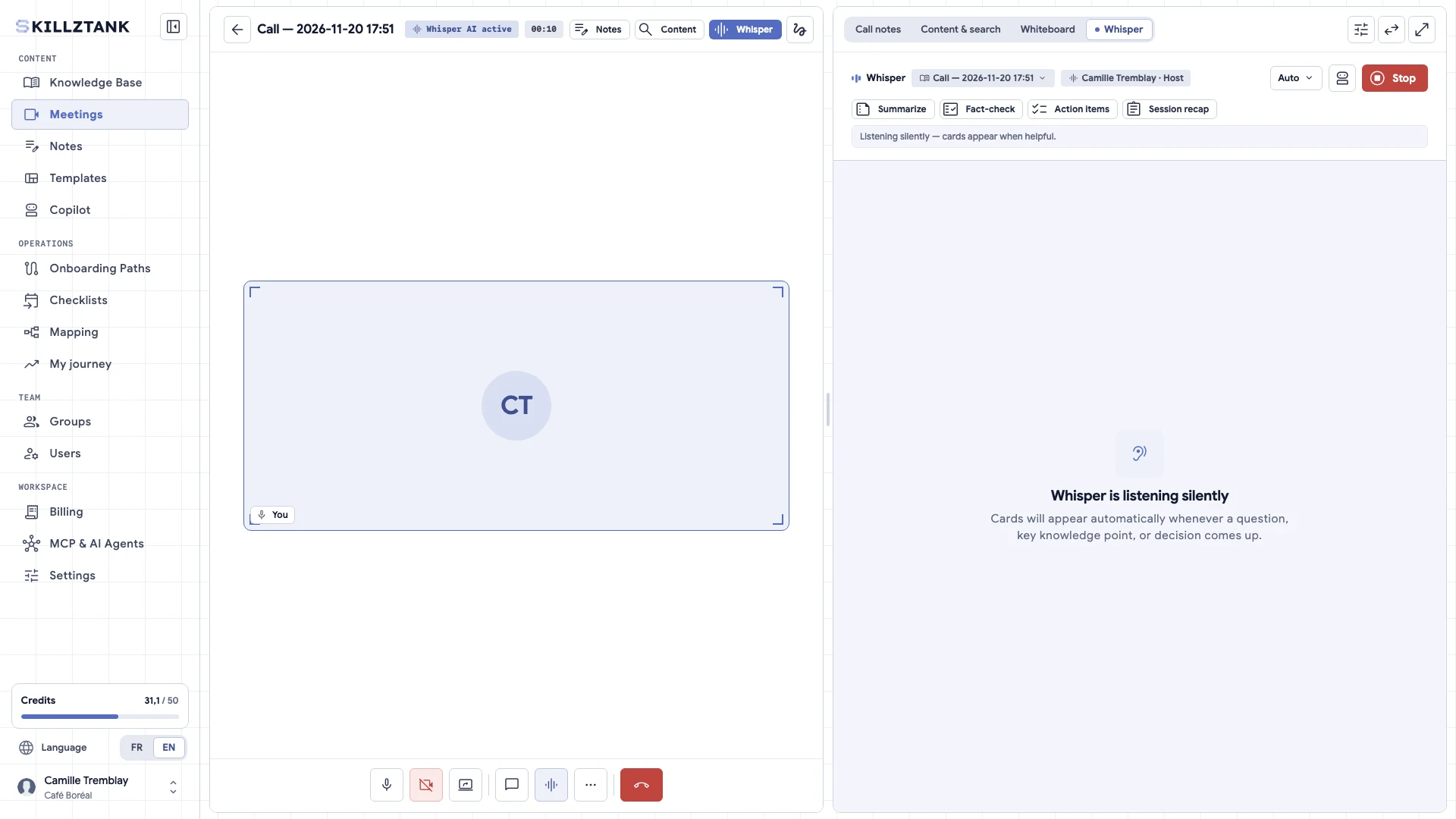
Use Whisper and the AI assistant Get instant answers grounded strictly in your own knowledge base, and let Whisper surface quiet context during live calls.
Track and manage 03
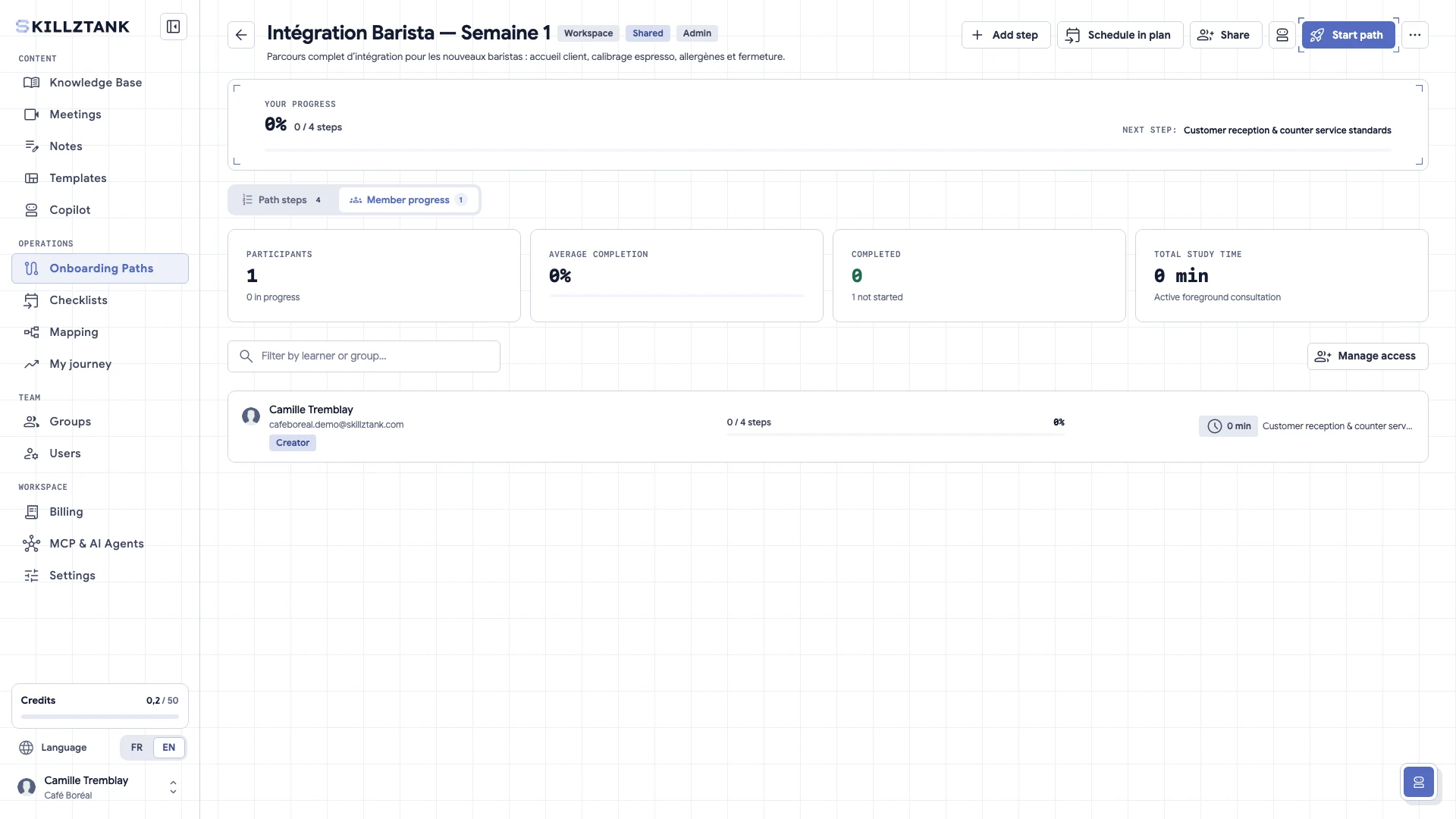
Track progress and skill maps See at a glance who completed their onboarding path, passed validation quizzes and mastered each skill by role, branch or cohort.
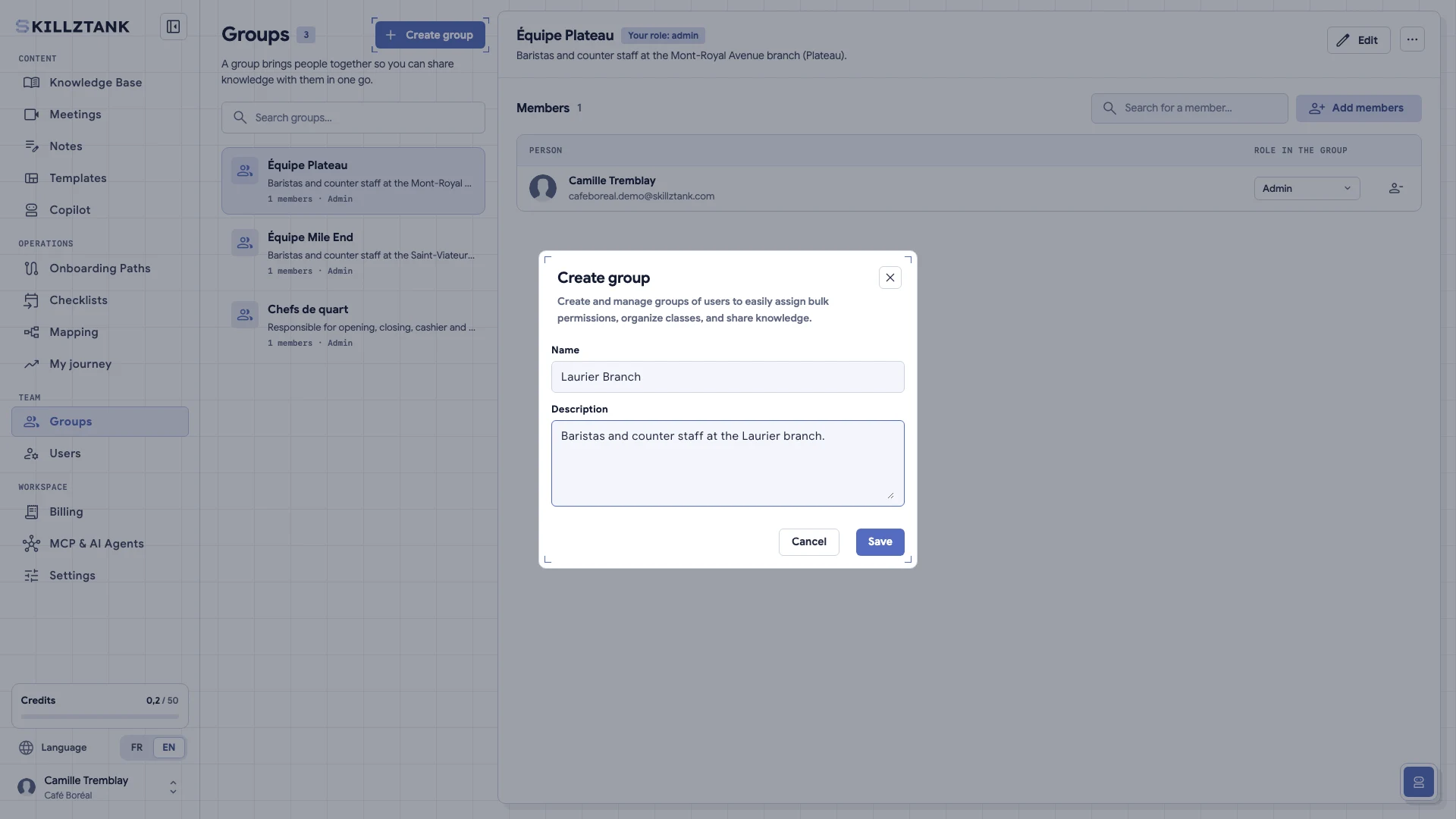
Organize spaces and groups Separate departments or programs into clean spaces and scope access by branch, role or cohort so nobody drowns in noise.
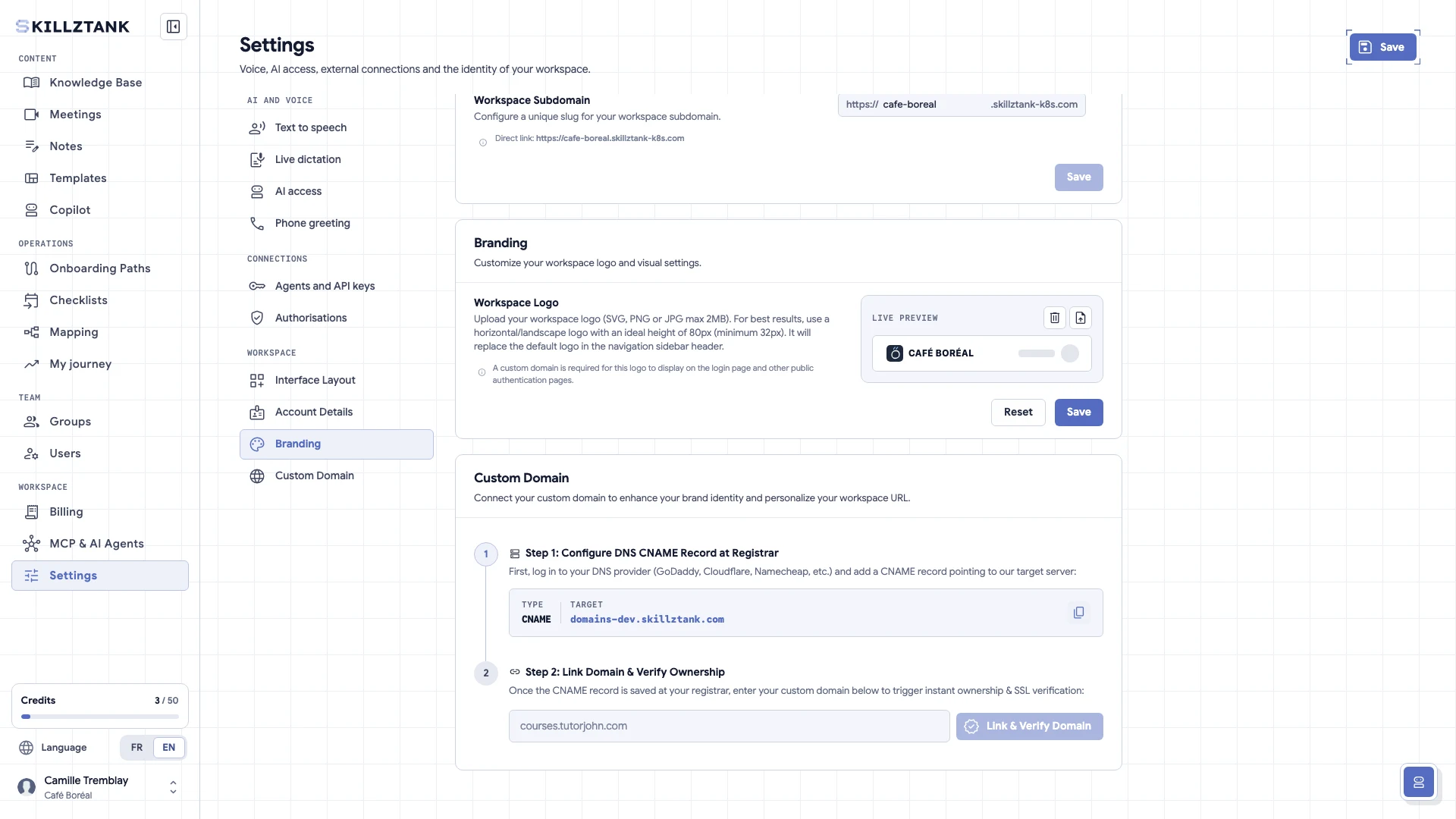
Customize white-label branding and domain Apply your logo, brand colours and custom web domain so your internal operations portal or client academy looks unmistakably yours.
No guide matches.
Can't find the answer?
Contact us → Write to us and we'll get back to you.